Physical Port Advanced Settings
Network Serial Port Kit allows configuring transmission speed limitation and COM port settings for each shared serial port individually.
Select shared physical serial port and
click  button.
Fixed Port Settings
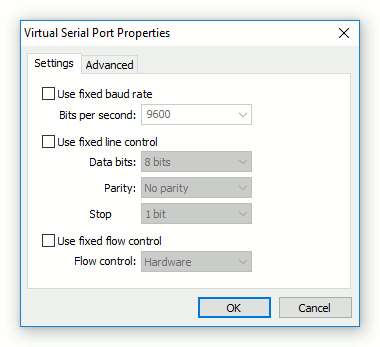
There are some communications applications that open COM ports with "hard-coded" port settings (e.g. bits per second or flow control) and there is no standard way to change these settings. If a serial device uses other settings, this may lead to incorrect working of the whole system. In such case you can use fixed COM port settings to override settings used by communications application.
Transmission Speed Limitation
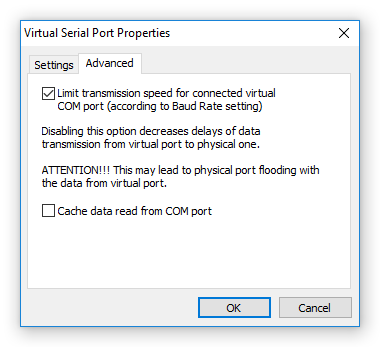
By default, Network Serial Port Kit limits transmission speed for virtual serial port to the speed set by communications application (using Baud Rate setting).
Important: Disabling this option removes data transmission speed limitations. But at the same time it may lead to physical port flooding with the data from virtual port.