General Program Preferences
In order to configure the general program preferences, click Preferences option on the Settings menu.
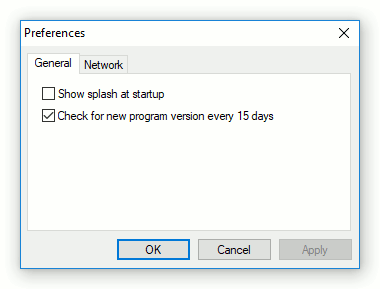
- Show splash at startup
- If enabled, the splash image will be displayed every program startup.
- Check for new program version every 15 days
- If enabled, Network Serial Port Kit requests FabulaTech website for a new version.